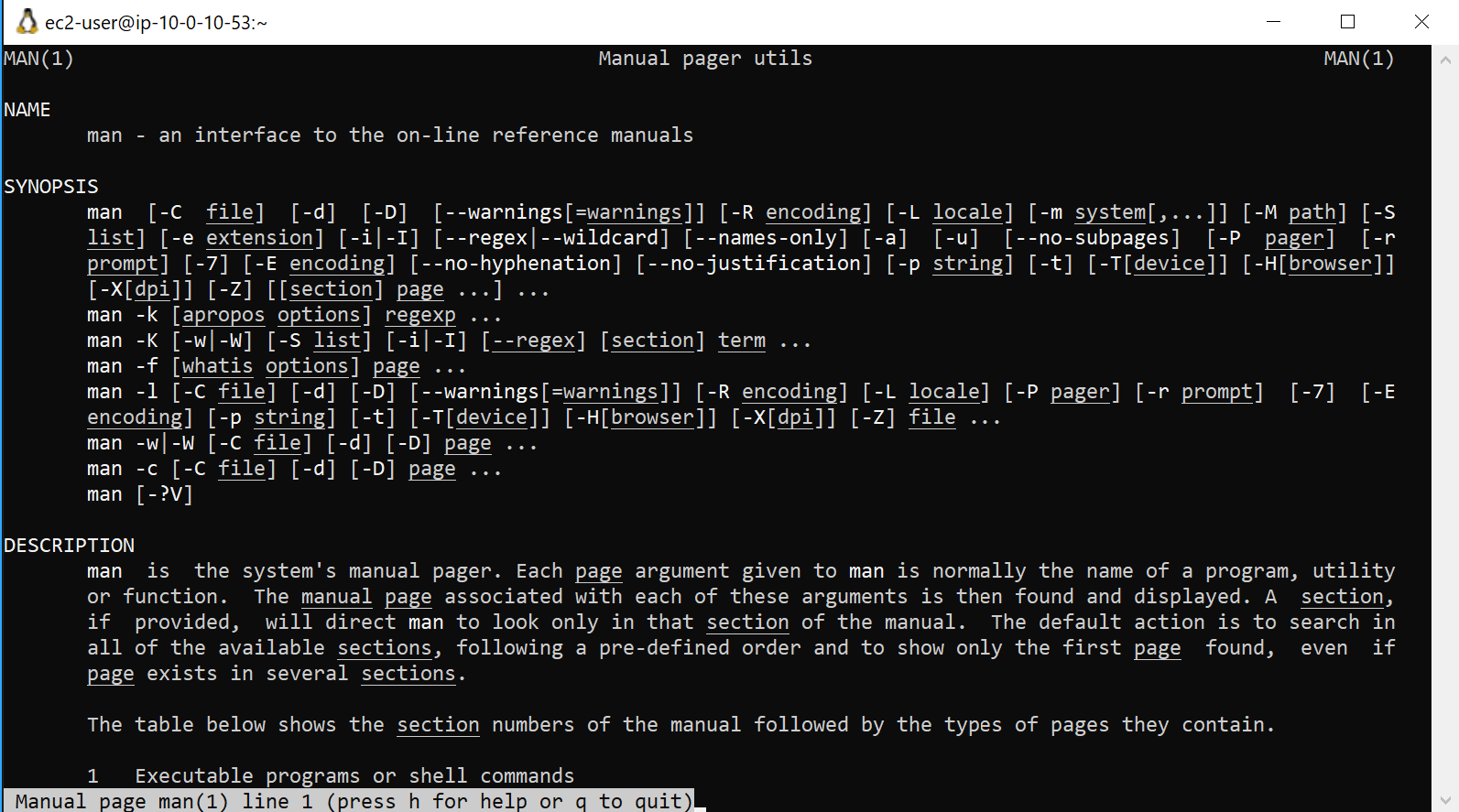
 Linux manual command documentation
I recently completed a exercise designed to reinforce my knowledge of the basic command line interface functionality and provide a solid foundation for learning about new commands and capabilities within the Linux shell. The scenario involved using Secure Shell (SSH) to access an Amazon Linux Amazon Machine Image (AMI) within the environment, and then exploring the man command to access the man pages.
By completing this, I was able to:
The following components were created for me as part of the environment:
Other components in the environment that I'll examine later during the course included:
In this exercise, I used a bash terminal to view the Linux standard help system, generally referred to as the manual pages (or man pages).
To open the manual pages for the man program, I entered the following command in the PuTTY terminal window and pressed Enter:
The terminal window at the command prompt displayed the result of the man man command.
I looked for the headers in the terminal to identify the major sections of the man pages. I found that I could move in the man pages by pressing the up and down arrow keys.
Some important man page headers I noted included (though this list is not all inclusive):
I could see that the man page displays important information about a command.
I took special note of the DESCRIPTION header, particularly the section numbers. I observed that the DESCRIPTION header provides an overview of a command.
To exit the man pages, I entered the letter 'q'.
During the activity, I used Amazon EC2, which provides a wide selection of instance types optimized to fit different use cases. I learned that instance types comprise varying combinations of CPU, memory, storage, and networking capacity and give users the flexibility to choose the appropriate mix of resources for their applications. Each instance type includes one or more instance sizes that can be used to scale resources to the requirements of the target workload.
I used a t3.micro instance, which was selected by default. This instance type has 1 virtual CPU and 1 GiB of memory.
I observed two key figures in the terminal:
Through this hands-on experience, I gained a solid understanding of how to access and navigate the Linux man pages, which will serve as a foundation for my continued learning about Linux commands and capabilities.
Linux manual command documentation